My Places
Overview
My Places is the central hub in the OsmAnd app for managing and customizing all personal data. You can use this section to organize Favorite points marked as important or frequently visited. The Tracks tab allows you to view, import, record, and create GPX files to help you keep a detailed history of your routes and travels. You can also manage your OpenStreetMap Edits, making contributing to map improvements and updates easy. The Audio / Video Notes plugin and widgets allow Android users to create and save multimedia notes related to specific locations, adding context to their travels. On iOS, My Places also provides access to bookmarked Travel Guides, allowing you to organize and quickly open saved travel content.
My Places Menu
- Android
- iOS
Go to: Menu → My Places
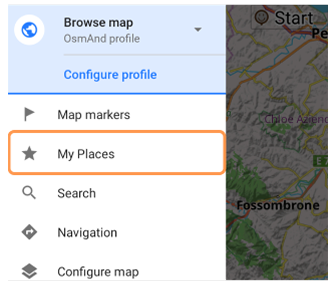
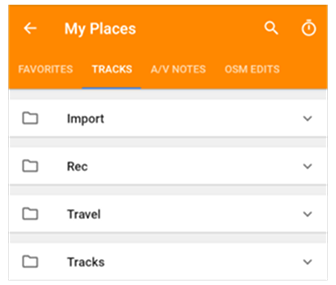
Go to: Menu → My Places
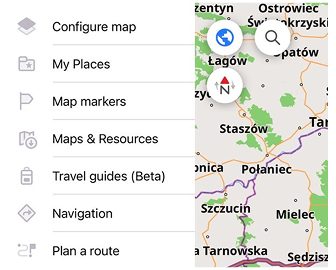
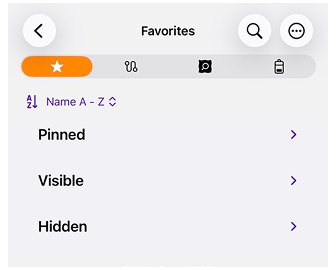
My Places is organized by categories. Select a tab to manage the corresponding data.
Note: All data stored in the My Places menu can be moved using a special .osf format through applications on your device. This process simplifies saving and transferring data between devices and allows you to share it with other OsmAnd users.
Favorites
- Android
- iOS
Go to: Menu → My Places → Favorites
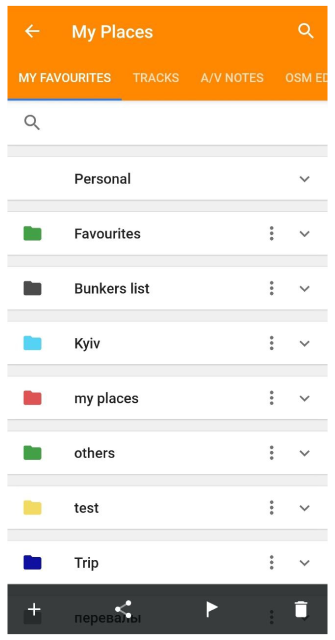
Go to: Menu → My Places → Favorites
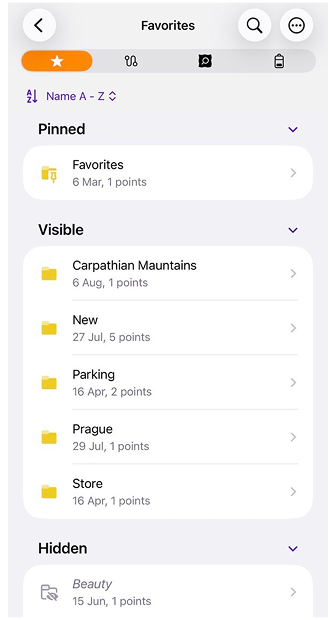
Favorites allow you to bookmark important or frequently visited locations. These favorite points are organized in folders and can be customized with different colors, shapes, and icons. You can quickly navigate to any favorite place through the My Places menu without needing to search for it repeatedly.
For full instructions, refer to the Favorites article.
Tracks
- Android
- iOS
Go to: Menu → My Places → Tracks
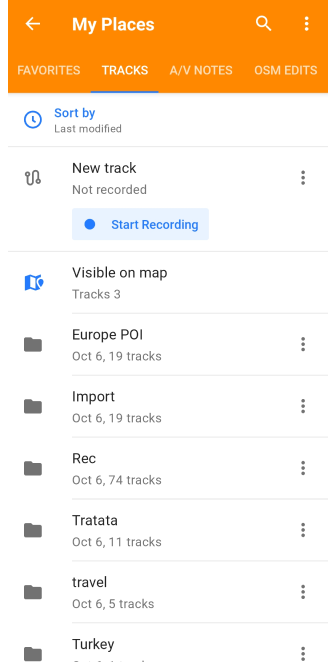
Go to: Menu → My Places → Tracks
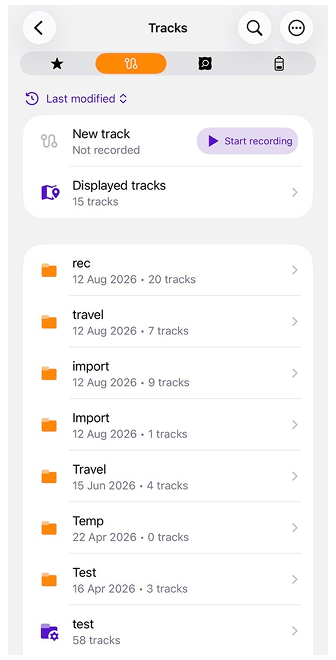
Tracks offer powerful tools for recording, creating, and managing routes within OsmAnd. They can be used for navigation, trip recording, or integrating external GPX files.
For comprehensive guidance, see the Manage Tracks article.
OpenStreetMap Edits
- Android
- iOS
Go to: Menu → My Places → OSM edits

Go to: Menu → My Places → OSM edits
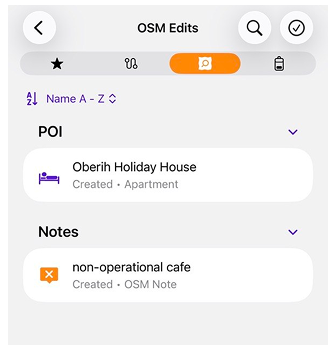
OsmAnd's OpenStreetMap Edits feature enables you to contribute to the global mapping community by adding, modifying, or commenting on map data.
Refer to the OSM Editing plugin for step-by-step instructions.
Audio/Video Notes
This feature is currently not available for the iOS version of the OsmAnd app.
Menu → My Places → A/V notes

The Audio/Video Notes plugin allows you to create multimedia notes linked to specific map locations. These notes are stored in My Places under the A/V Notes Tab. Each note is also saved as a favorite in the media folder in the Favorites tab.
For more information, visit the Audio/Video Notes plugin page.
Travel Guides (iOS)
Go to: Menu → My Places → Travel guides
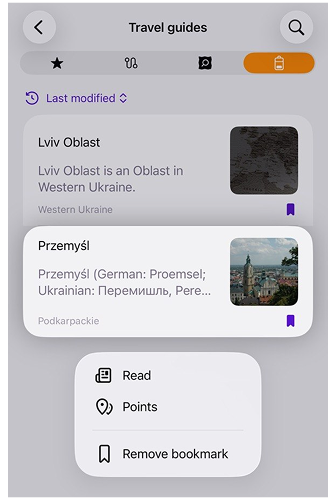
The Travel section contains bookmarked travel guides and articles saved for offline access. You can quickly open, organize, and manage your saved travel content from My Places. The Travel section is displayed only when more than one travel guide has been bookmarked.
For detailed information, refer to the Travel Guides article.